Oops! Something went wrong while submitting the form.
September 16, 2026
From Traffic to Sales: How Google Site Kit Tracks WordPress Conversions
If you run a WordPress site, you already know the drill — you install Google Analytics, wait for data, then spend hours in GA4 trying to figure out whether that traffic spike actually turned into cart checkouts or form submissions. Google has just made that a lot easier with Site Goals, a new feature inside its official Site Kit plugin for WordPress.
Having spent nearly a decade in SEO and analytics, I'd call this one of the more genuinely useful updates Google has shipped for WordPress site owners in a while. Here's what it does, and why it matters.
What Is Site Kit, and What's New?
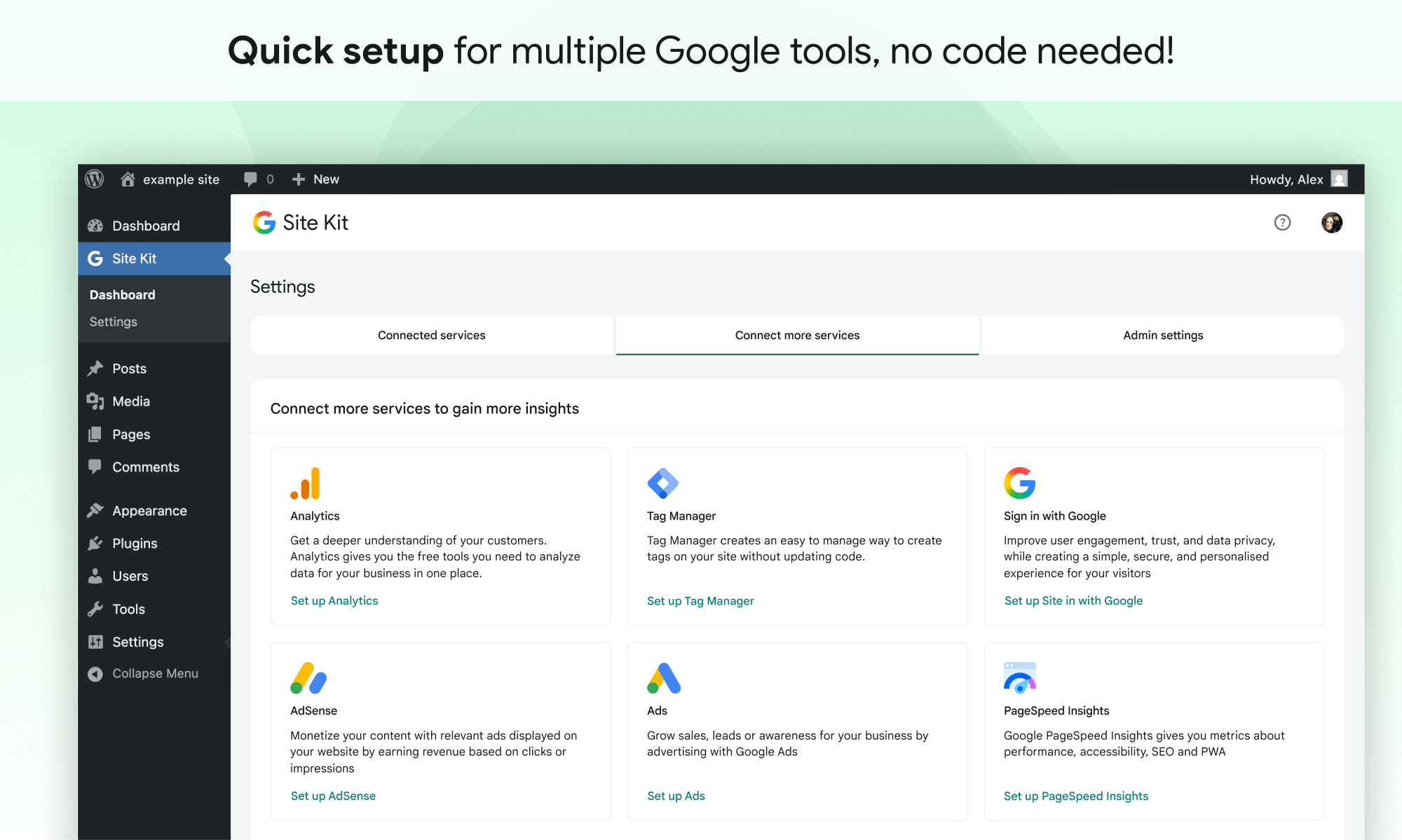
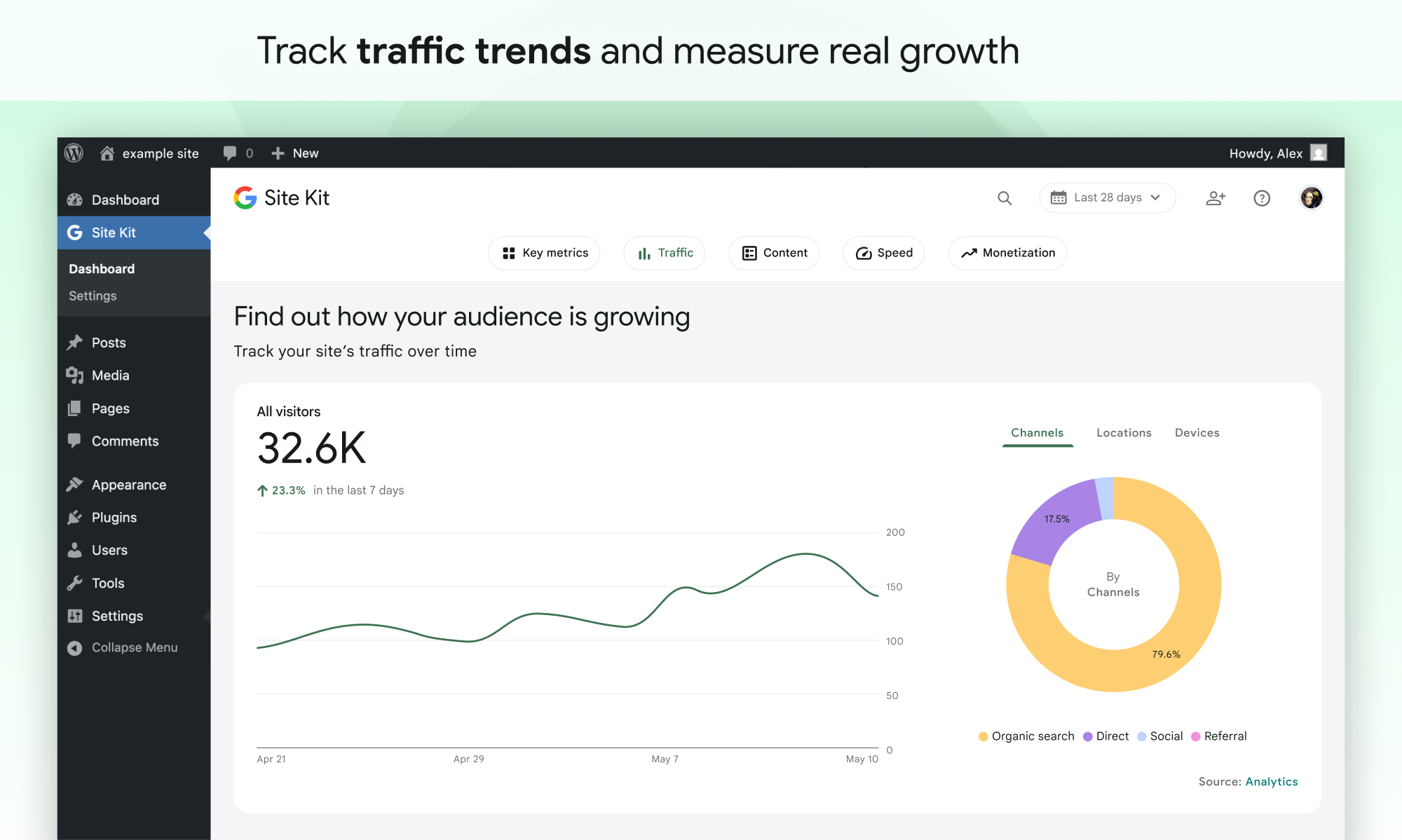
Site Kit by Google is Google's own WordPress plugin that brings Search Console, Analytics, AdSense, PageSpeed Insights, and Tag Manager into one dashboard — right inside wp-admin. No more logging into five different Google tools to understand how your site is performing.
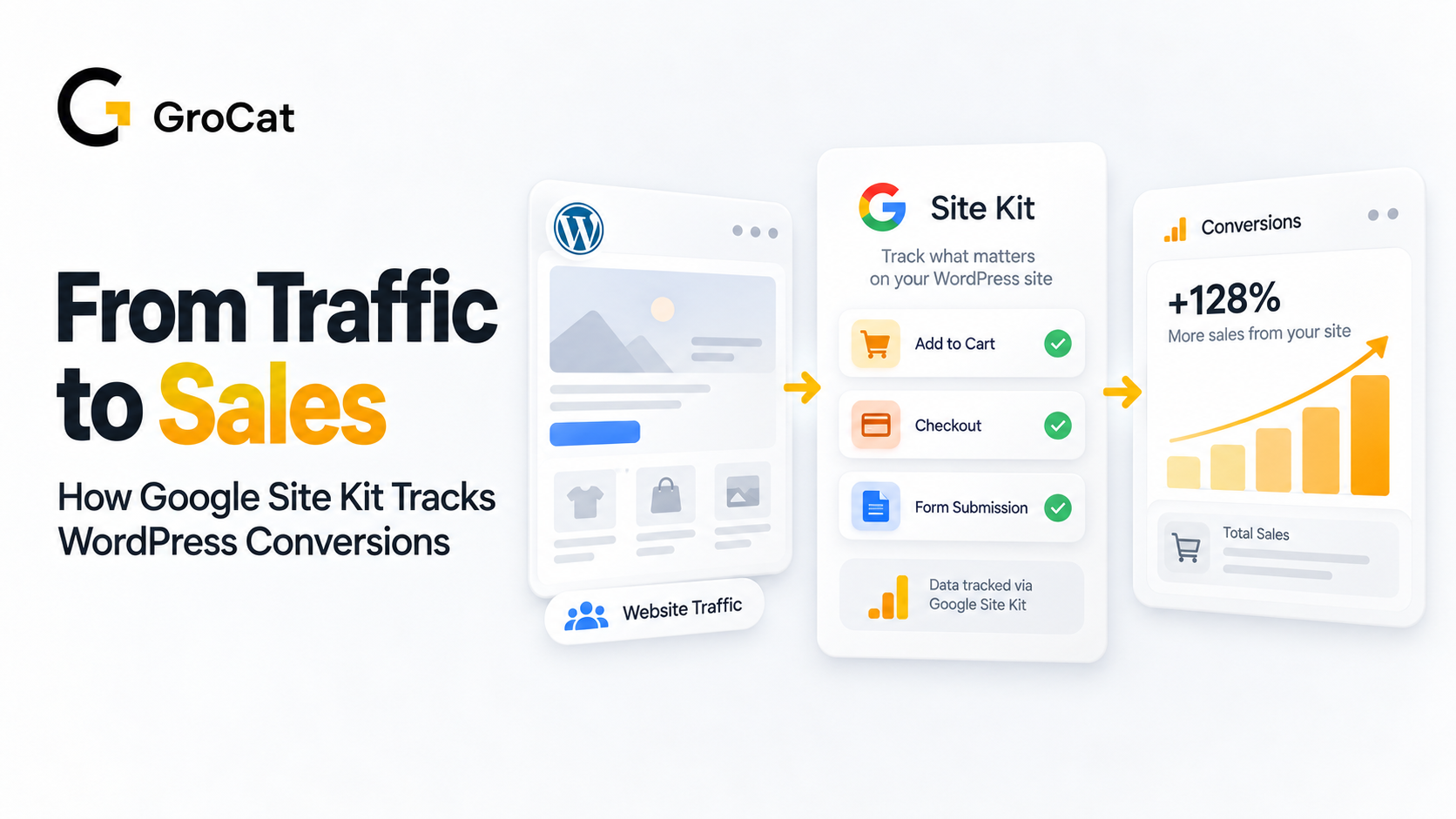
The new addition, Site Goals, takes this a step further. It automatically detects important visitor actions — cart checkouts, "add to cart" clicks, contact form submissions, lead form completions — and sends them to Analytics as events, without any manual event tagging or code. It then curates all of this into a dedicated Site Goals section on your WordPress dashboard.
In short: Site Kit fills the data gap between "someone visited my site" and "someone actually did something valuable on it."
Once Google Analytics is connected in Site Kit and plugin conversion tracking is enabled (this is usually on by default), Site Goals looks for events from popular plugins and builds two report widgets:
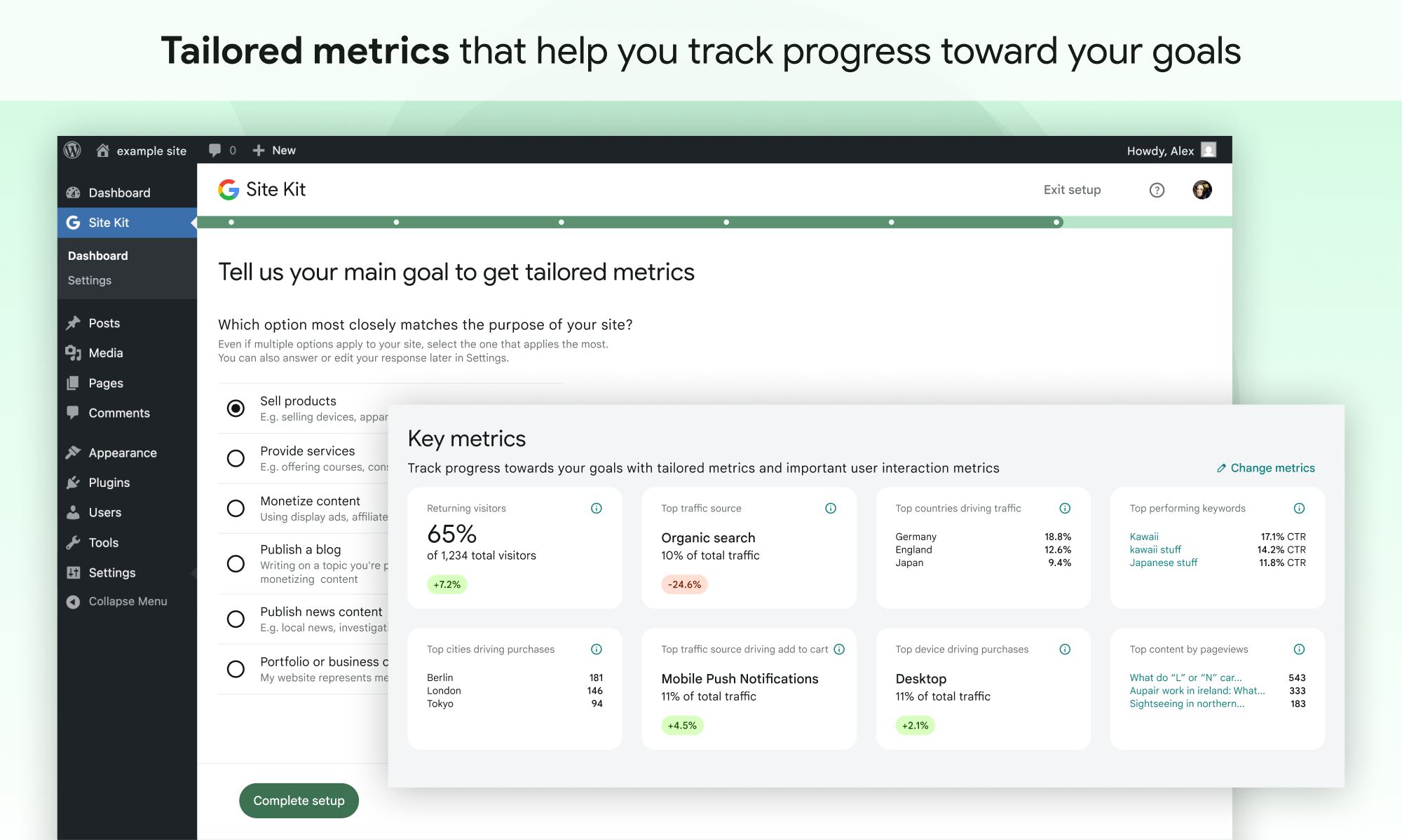
Online store performance — built for WooCommerce and Easy Digital Downloads. It surfaces your Sales Rate, Total Sales, and Add to Cart Rate, so you know not just how many purchases happened, but how efficiently your traffic is converting.
Lead generation performance — built for form plugins like WPForms, Contact Form 7, Ninja Forms, OptinMonster, and Popup Maker. This shows your Form Completion Rate and total submissions.
Both widgets also include an Engagement Rate tile and a "What's helping you reach your goals" section, which highlights the traffic channels, landing pages, devices, and even locations that are driving your actual conversions — not just clicks. If you're running more than one plugin of the same type, an advanced data breakdown option lets you compare which plugin or form is performing best, side by side.
If you use a store or form plugin that isn't officially supported, Site Kit still aggregates those events under an "Other sources" or "Other form completions" tab, so nothing gets lost.
For SEO managers and site owners, this closes a gap that's existed for years. Traffic and rankings are only half the story — what actually happens after someone lands on your page is the part that gets reported to stakeholders. Site Goals means:
No need to manually configure GA4 events for every form or checkout button.
A conversion report tailored to your business model — ecommerce or lead generation — instead of a generic traffic dashboard.
Clear visibility into your top goal drivers: which channels, pages, and even cities are sending you visitors who actually convert, so budget and content decisions are based on outcomes, not just sessions.
This is especially valuable for small and mid-sized businesses without a dedicated analytics team.
Make sure you're using a supported store or form plugin (WooCommerce, Easy Digital Downloads, WPForms, Contact Form 7, Ninja Forms, OptinMonster, or Popup Maker).
Watch for the "Site Goals is active" prompt on your dashboard, and click through the walkthrough.
Features like this are a reminder that good SEO and analytics work isn't just about rankings anymore — it's about connecting traffic to real business outcomes. If your WordPress site is bringing in visitors but you've never been quite sure what happens after they land, Site Goals is worth setting up today.
If you'd rather have this configured properly the first time — along with your broader analytics, tracking, and site architecture — that's exactly the kind of setup our team at GroCat handles as part of our professional website development in Bangalore services. We work with WooCommerce stores, lead-gen sites, and everything in between to make sure your data actually tells you something useful.
If you run a WordPress site, you already know the drill — you install Google Analytics, wait for data, then spend hours in GA4 trying to figure out whether that traffic spike actually turned into cart checkouts or form submissions. Google has just made that a lot easier with Site Goals, a new feature inside its official Site Kit plugin for WordPress.
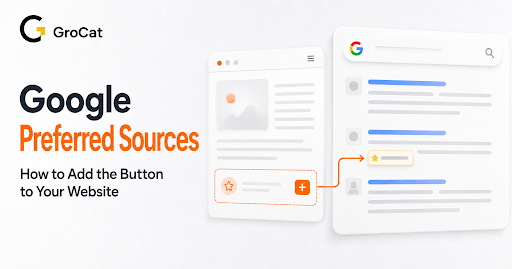
Search is becoming more personal. Google now allows users to select the websites they trust and want to see more often across specific Search experiences.
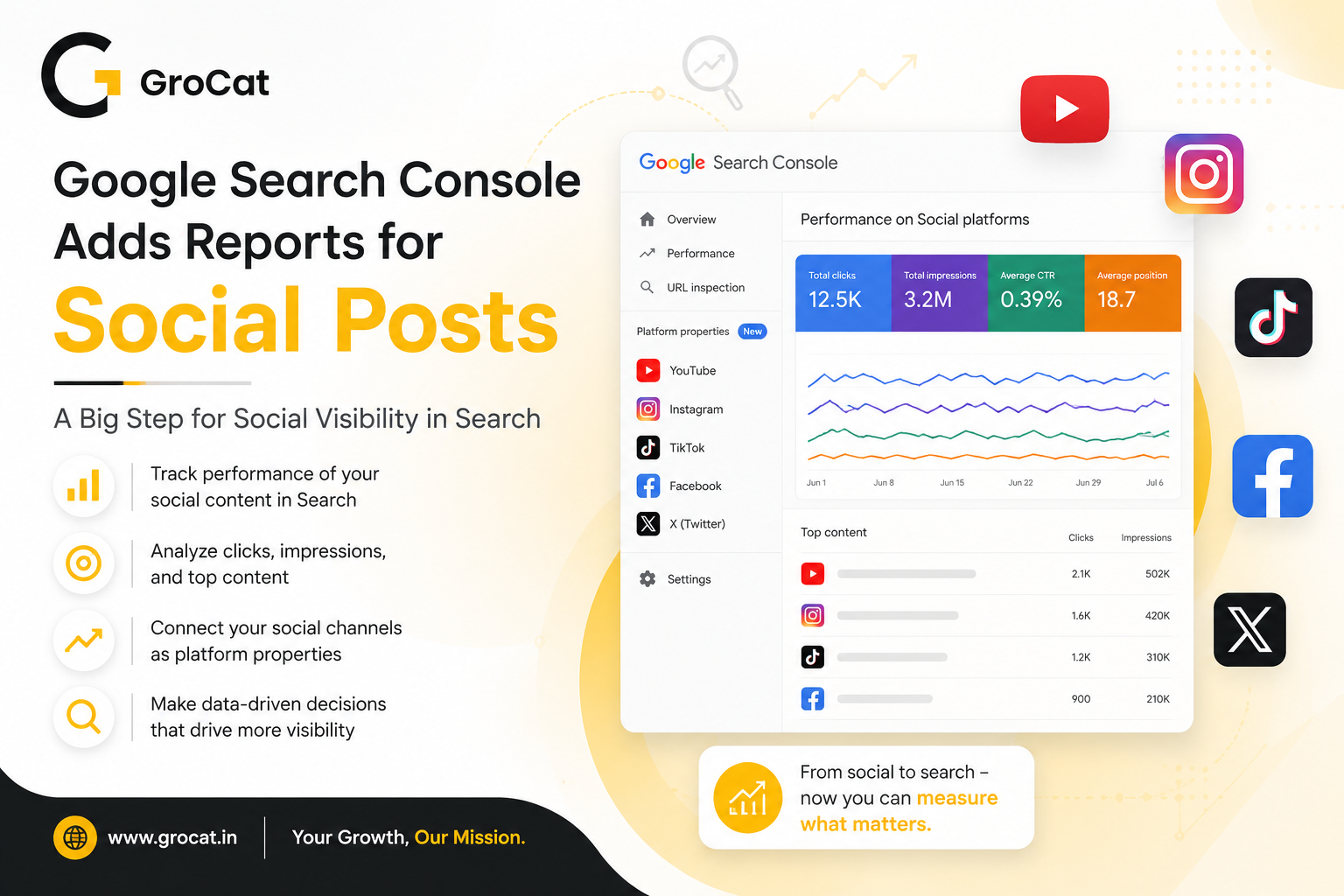
Google Search Console now lets brands track how social posts appear in Google Search and Discover. The new platform properties support Instagram, TikTok, X, and YouTube. Here’s what the update means for SEO, social media reporting, and content planning.
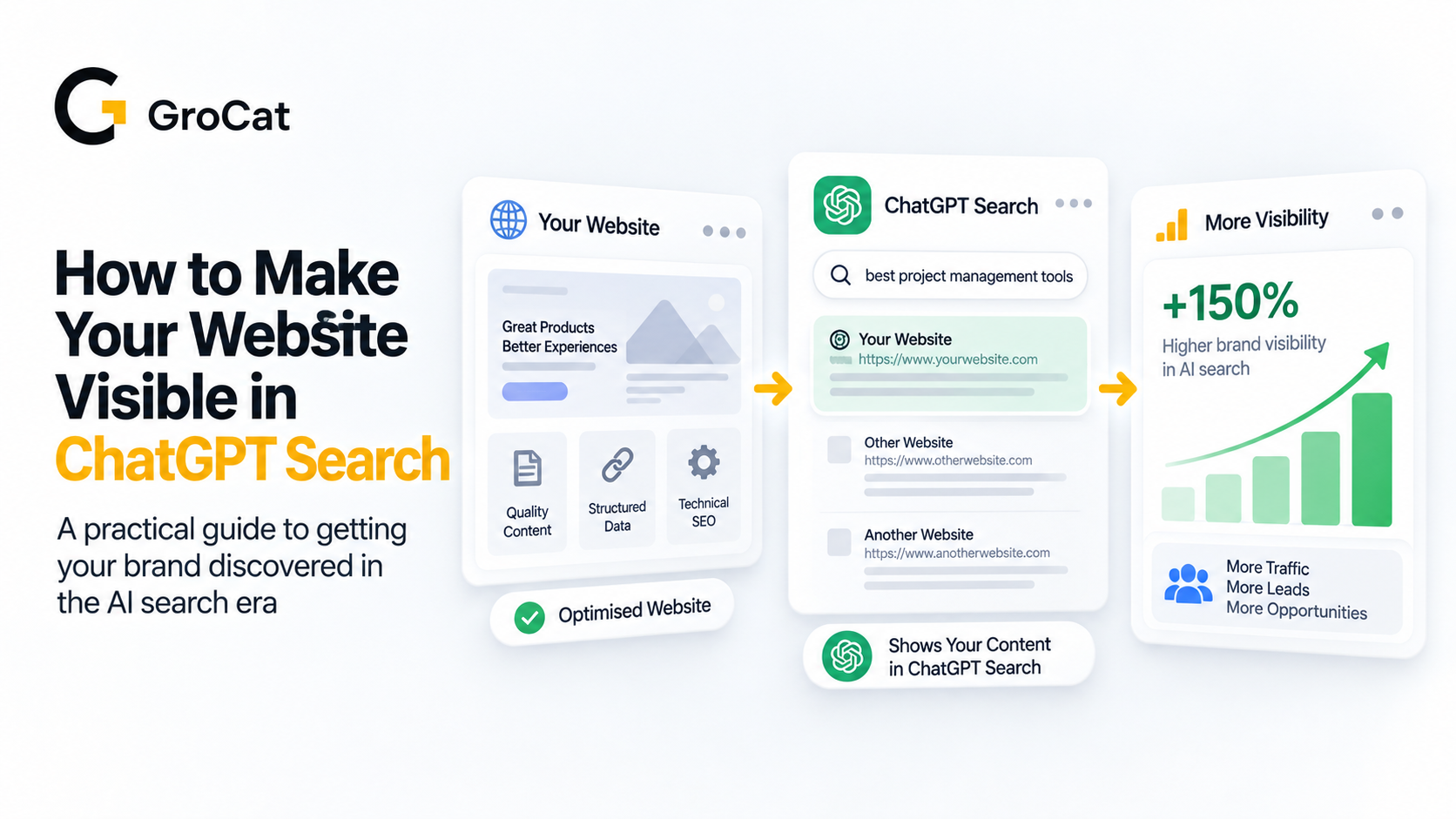
Traditional search engine optimization is undergoing a major shift. Optimizing pages solely for standard search result pages is no longer a complete strategy, as audiences increasingly turn to conversational AI platforms for direct answers, bypassing the keyword search box entirely.
If you run a WordPress site, you already know the drill — you install Google Analytics, wait for data, then spend hours in GA4 trying to figure out whether that traffic spike actually turned into cart checkouts or form submissions. Google has just made that a lot easier with Site Goals, a new feature inside its official Site Kit plugin for WordPress.