Oops! Something went wrong while submitting the form.
September 16, 2026
Google Preferred Sources: How to Add the Button to Your Website
Search is becoming more personal. Google now allows users to select the websites they trust and want to see more often across specific Search experiences. For publishers and brands that regularly produce useful content, this creates another way to stay connected with existing readers.
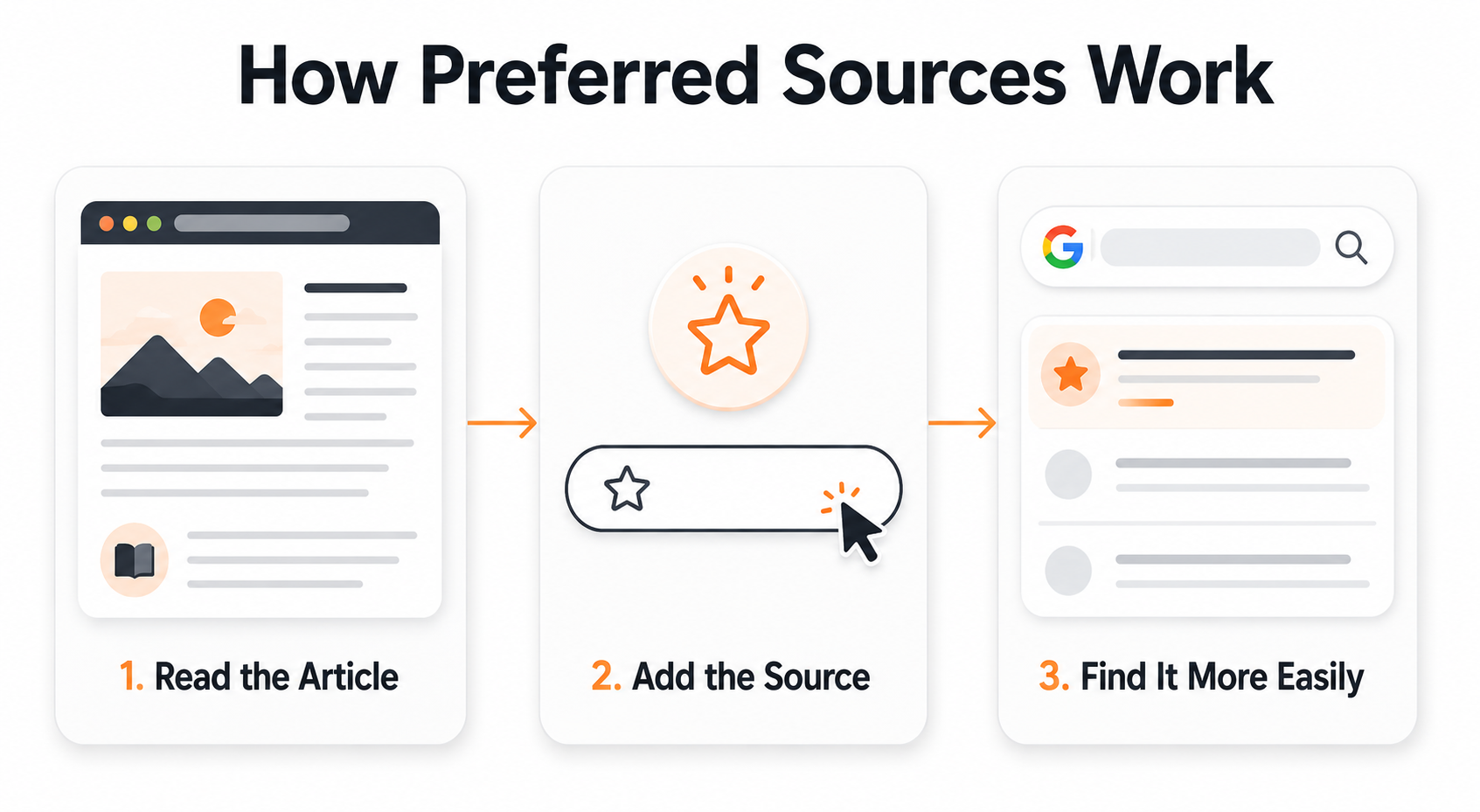
When someone selects a website through Google Preferred Sources, relevant content from that domain may be shown more prominently to that user in Top Stories. Links from the selected website can also receive a “Preferred” label in Google AI Overviews and AI Mode.
The feature does not guarantee higher rankings, traffic or citations. Instead, it allows an individual user to tell Google which sources they value.
What Are Preferred Sources in Google Search?
Preferred Sources is a Google Search personalisation feature. It allows signed-in users to choose publications and websites they would like to see more frequently.
The feature was initially associated with Top Stories. Google later expanded preferred source labels into AI Overviews and AI Mode. According to Google, people click links from preferred sources at twice the rate of other links. However, Google has not publicly explained how this figure was measured or whether other factors influenced the comparison. Search Engine Journal reported that more than 345,000 sources had been selected by May 2026.
By August 2026, Google reported that users had selected more than 600,000 unique sources. Google also introduced an improved publisher button that returns readers to the original webpage after they confirm their selection. Search Engine Roundtable covered this updated interaction.
Can You Add a Preferred Source Badge to Your Website?
A website owner cannot directly add the “Preferred” label that appears in Google Search. Google displays that badge only when an individual user has selected the website and the website’s content appears in an eligible Search experience.
What publishers can add is an official Add to Preferred Sources button. This lets readers select the domain without manually searching for it in Google’s source preferences tool.
Before implementation, search for your domain in the Google source preferences tool. Only domains and subdomains are eligible. A domain such as example.com or a subdomain such as news.example.com can qualify, but a folder such as example.com/blog cannot qualify separately.
How to Add the Preferred Sources Button
Google recommends its standard JavaScript implementation because it provides a shorter user journey and automatically returns readers to the webpage.
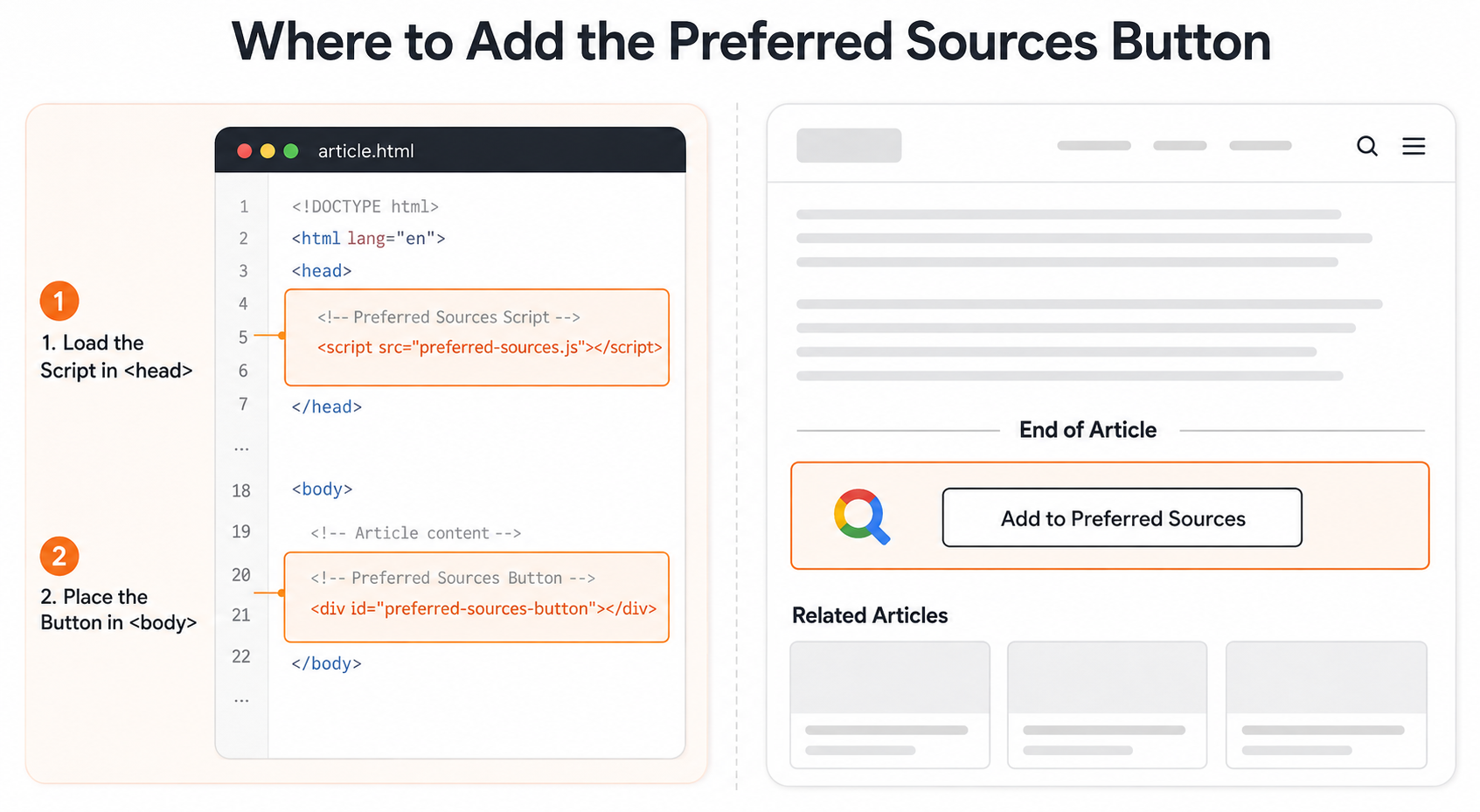
Step 1: Add the Google Script
Add the following script inside the <head> section of your website:
Replace example.com with your domain. This link can also be used in email newsletters, social media promotions and publisher campaigns.
The interactive JavaScript button provides a smoother experience because users return to the same webpage after confirming the source. The direct link may involve an additional navigation step.
Where Should You Place the Button?
The button should appear after visitors have had enough time to understand the value of the content. Asking someone to select a website before they have read anything may result in fewer meaningful interactions.
Recommended placements include:
At the end of every blog article
Near the author information
Inside a newsletter subscription section
On the main blog or insights page
Within content-related email newsletters
Avoid placing it in an intrusive pop-up or beside the website’s main conversion button. For a service business, the preferred source CTA should not compete with contact, consultation or enquiry actions.
What Is the SEO Impact?
Adding the button is not a general ranking factor. It does not automatically improve organic positions for every searcher or make the website more authoritative in Google’s algorithms.
The potential value is audience retention. After a reader selects a website, its relevant articles may become easier for that person to notice across Top Stories, AI Mode and AI Overviews. The preferred source badge may also provide additional visual recognition when the website is cited.
For brands publishing original news, research, industry commentary or timely expert guidance, Google Preferred Sources provides a useful connection between content marketing and personalised search visibility.
How Should You Measure Performance?
Publishers can track clicks on the button through Google Analytics 4 using an event such as preferred_source_click. Useful parameters include page title, page location, button placement and device category.
A button click should be recorded as a selection attempt, not a confirmed addition. Google currently does not provide publishers with the names of users who selected them or a confirmed selection report.
Monitor changes in:
Button clicks
Returning blog visitors
Branded searches
Organic click-through rate
Top Stories visibility
AI search citations and referral traffic
Should You Add It to Your Website?
The implementation is simple and can support long-term reader retention, especially for websites that publish reliable and timely content. However, it should complement strong content, technical SEO, structured internal linking and consistent publishing.
Need help preparing your website for traditional and AI-driven search? Speak with GroCat, an experienced SEO company in Bangalore and digital marketing agency in Bangalore, for a practical search visibility strategy.
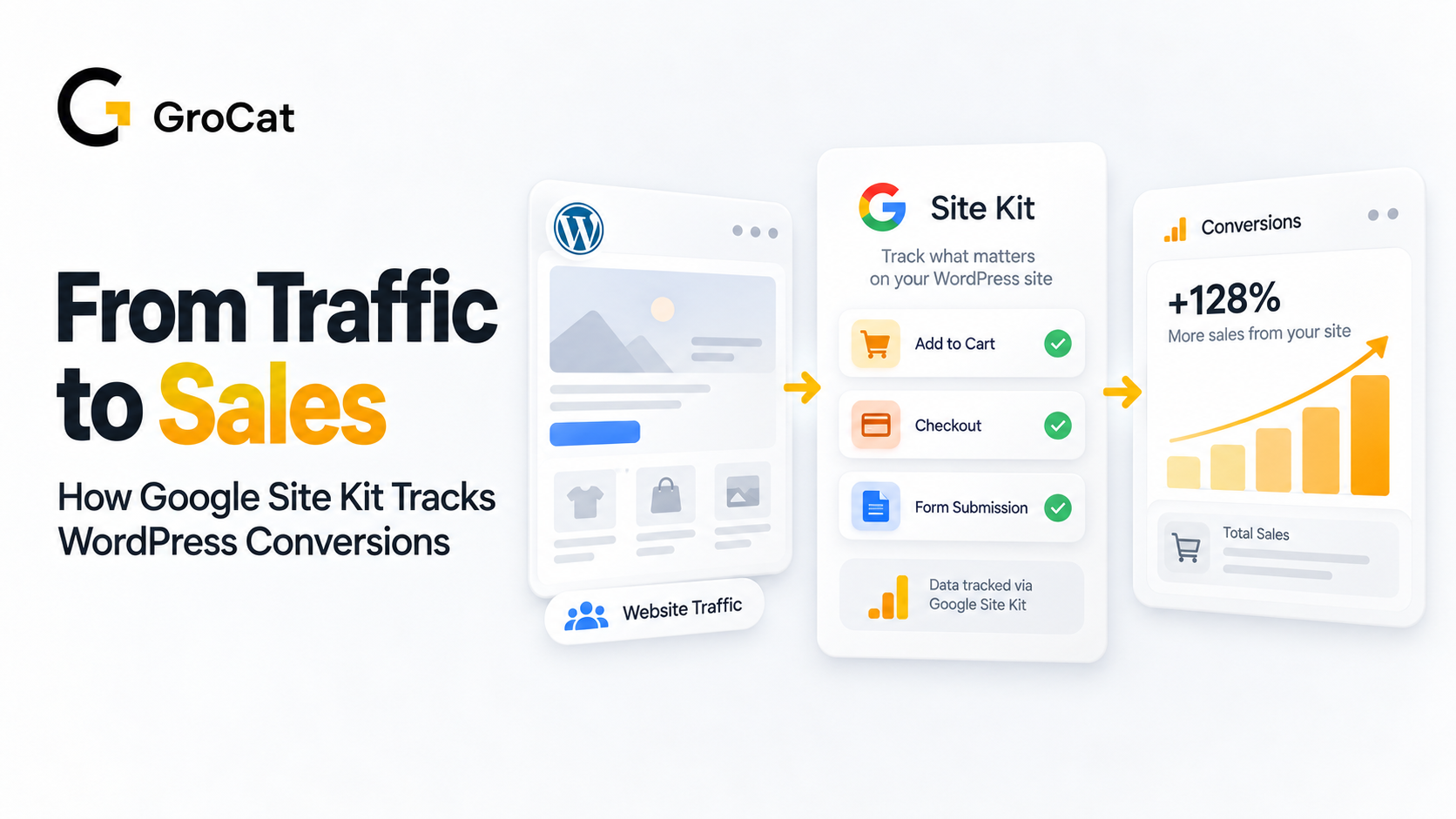
If you run a WordPress site, you already know the drill — you install Google Analytics, wait for data, then spend hours in GA4 trying to figure out whether that traffic spike actually turned into cart checkouts or form submissions. Google has just made that a lot easier with Site Goals, a new feature inside its official Site Kit plugin for WordPress.
Search is becoming more personal. Google now allows users to select the websites they trust and want to see more often across specific Search experiences.
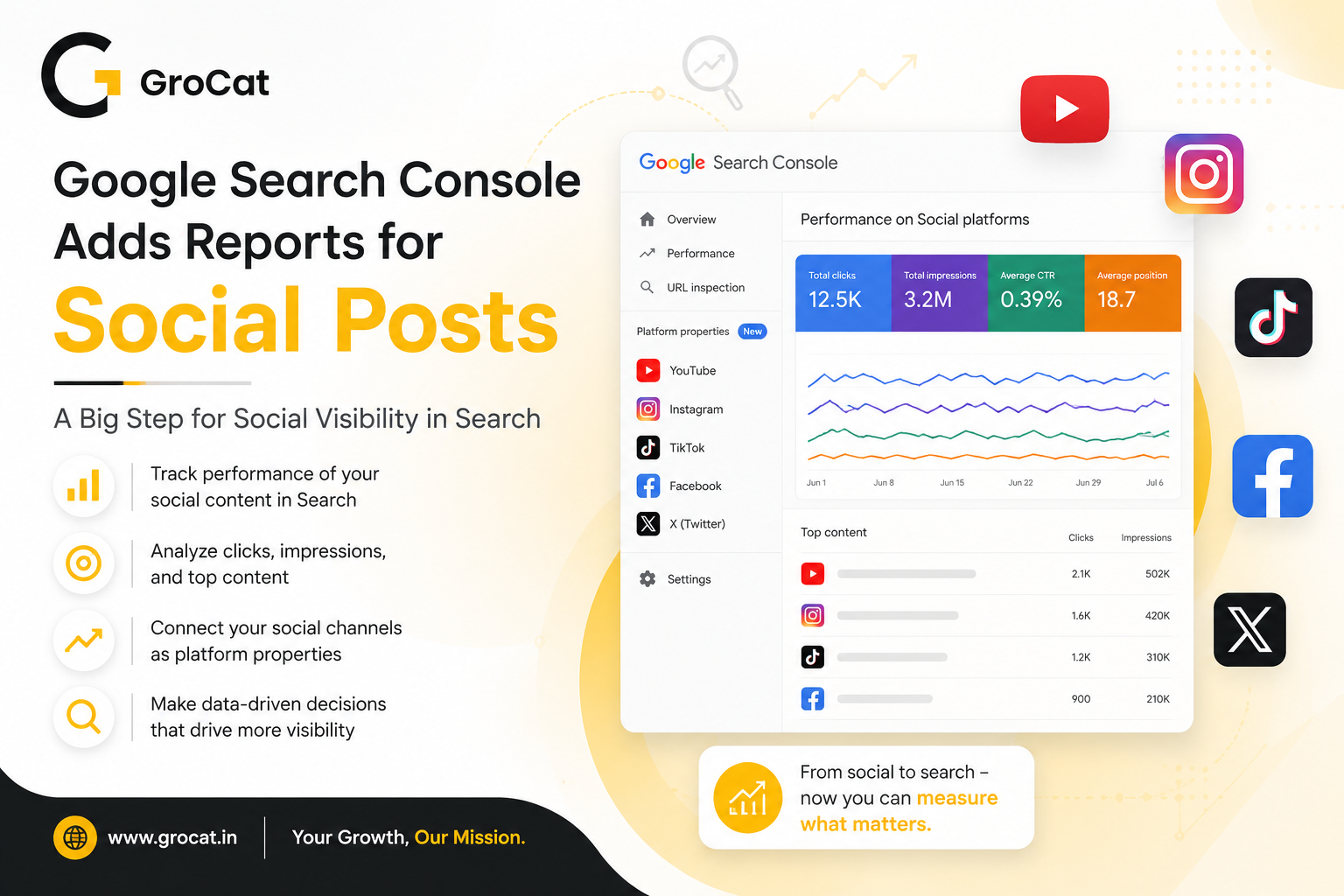
Google Search Console now lets brands track how social posts appear in Google Search and Discover. The new platform properties support Instagram, TikTok, X, and YouTube. Here’s what the update means for SEO, social media reporting, and content planning.
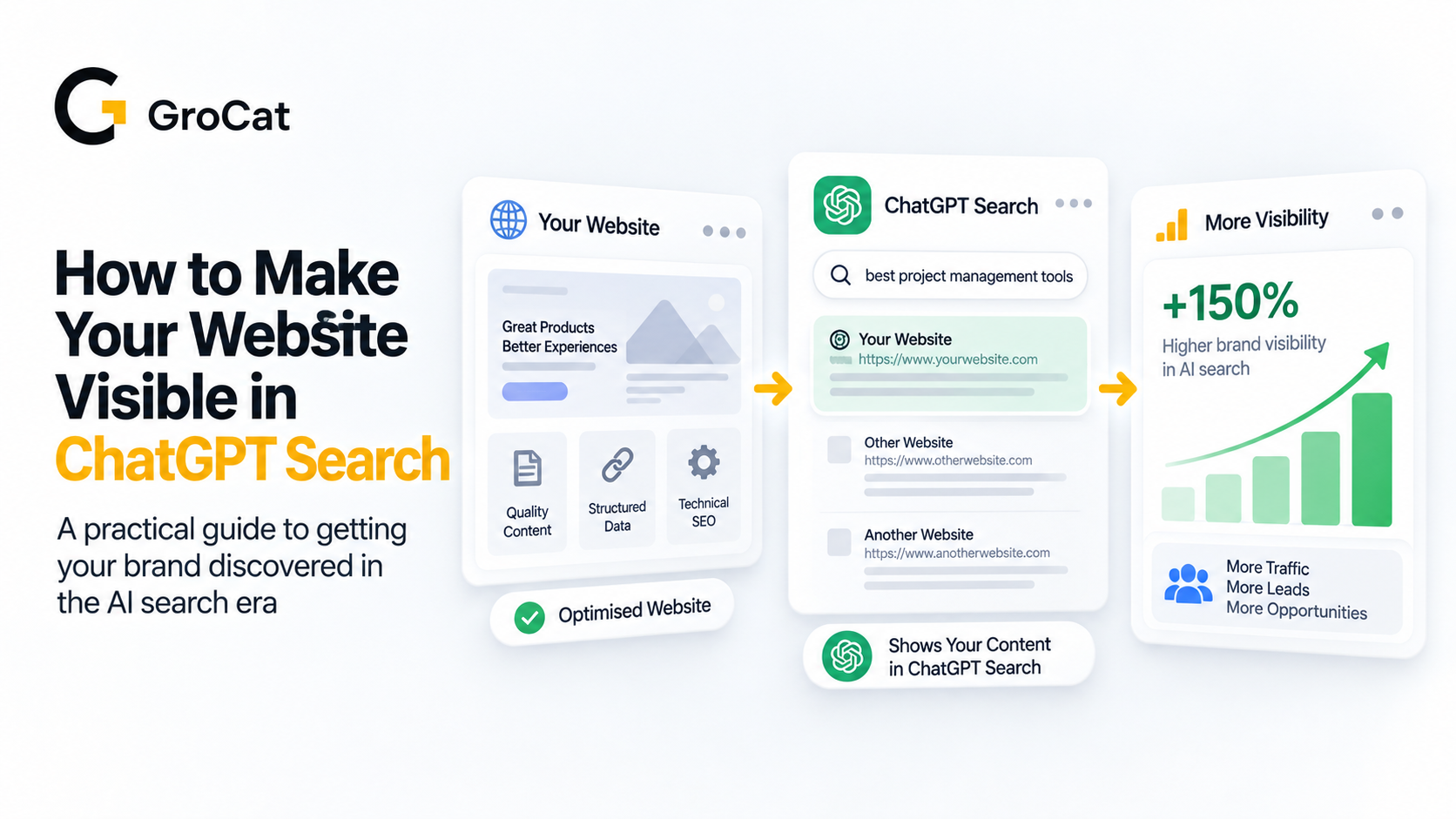
Traditional search engine optimization is undergoing a major shift. Optimizing pages solely for standard search result pages is no longer a complete strategy, as audiences increasingly turn to conversational AI platforms for direct answers, bypassing the keyword search box entirely.
If you run a WordPress site, you already know the drill — you install Google Analytics, wait for data, then spend hours in GA4 trying to figure out whether that traffic spike actually turned into cart checkouts or form submissions. Google has just made that a lot easier with Site Goals, a new feature inside its official Site Kit plugin for WordPress.